Notes
Plans, reviews and checklists,
kept next to your trading.
Write a playbook, a week’s review or the checklist you run before an earnings print, in folders, in a rich editor, kept on this computer.
The Notes page
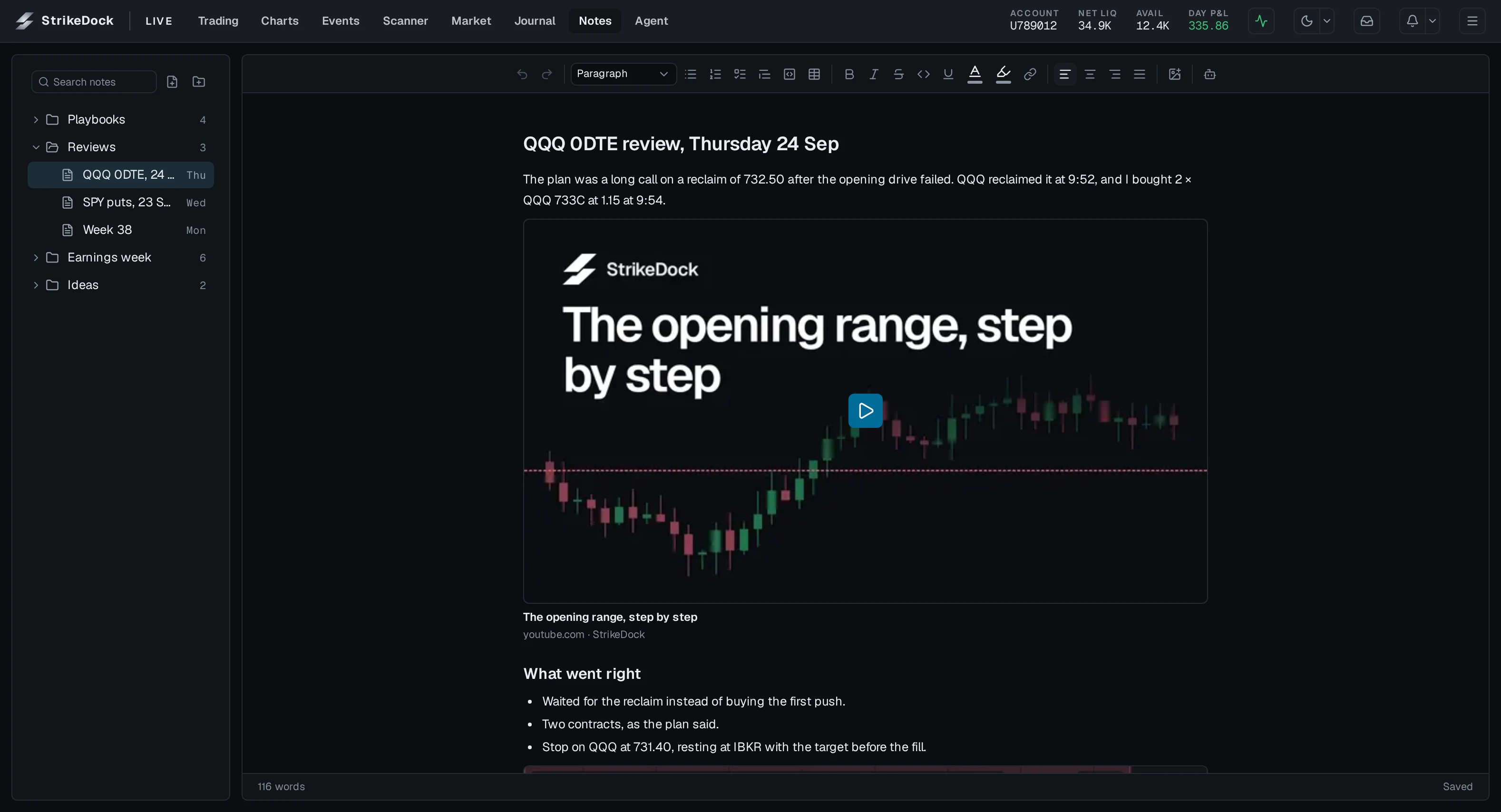
Folders on the left, the note on the right, a toolbar above it. Point at a part to see what it is.
Folders
Keep notes in folders, drag them to reorder or move them, and find one by its title. Each folder shows how many notes it holds, and each note when it last changed.
Write it like
a document
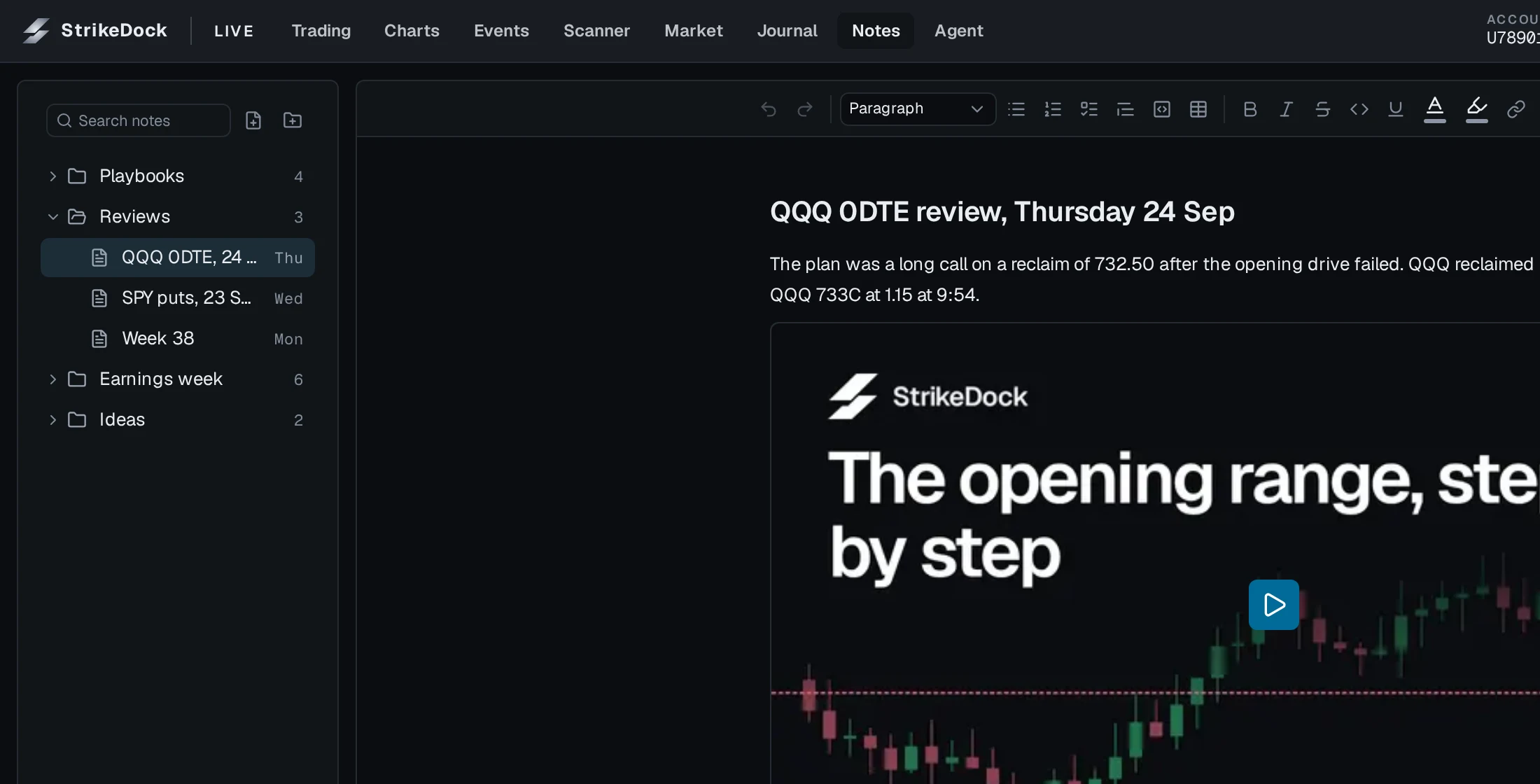
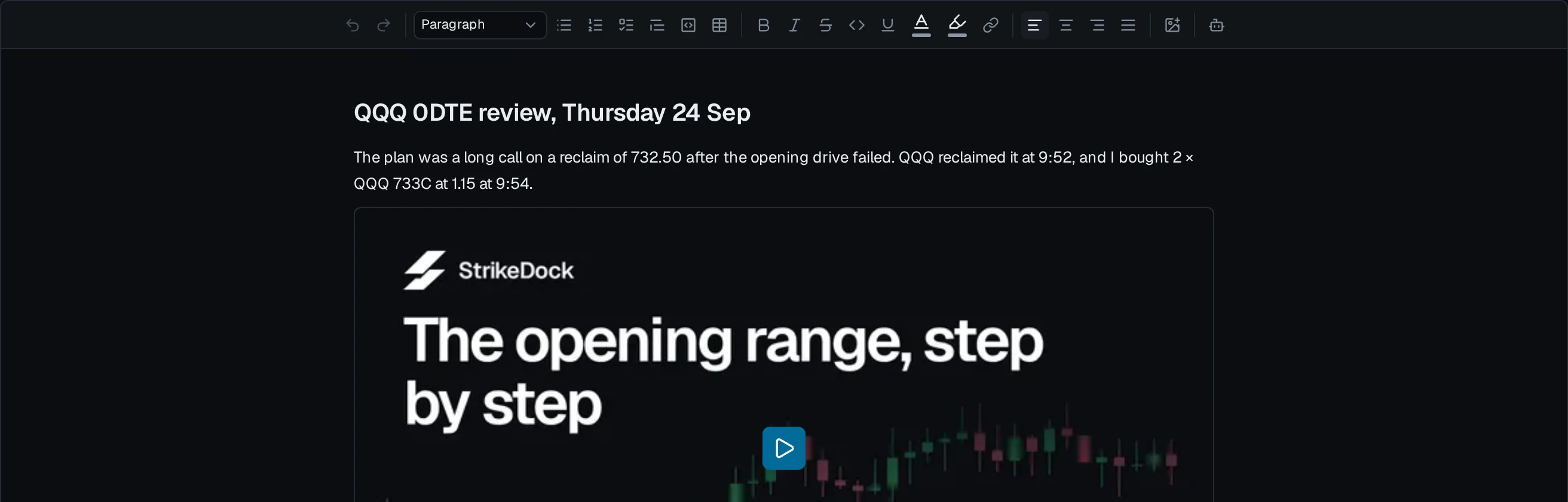
A toolbar for styles, lists, tables, links and pictures; type / for blocks, or use Markdown shortcuts as you type. A note saves itself a moment after you stop typing.
- Heading
- List
- To-do
- Table
- Image
- Quote
- Code block
- Divider
Write with
your agent
The agent you installed and chose in Settings writes with you in the editor, and a connected agent can work with your notes on its own, within limits.
In the editor, with you
- Select words and ask it to make them shorter or clearer, or to fix the spelling. Nothing changes until you accept.
- Type / and choose Write with the agent to have it write new blocks.
- What you typed goes to its provider only when you press Send.
On its own, through its connection
- It lists and reads your notes, creates a note, and adds to the end of one.
- It doesn’t replace what you wrote, rename, move or delete a note, or touch your folders.
- Each write is in the logs under its name.
Yours, on this machine
In development: these sources, and what each allows, may change before launch.
Markdown
Notes are kept as Markdown on this computer.
Encrypted
With the rest of your workspace, and in its backups.
No connection needed
Notes need no broker and no connection.