Journal
Your trades arrive.
You bring the reflection.
Fills flow into your journal as you trade. Keep the execution record and your notes together, ready for a closer look after the close.
The dashboard
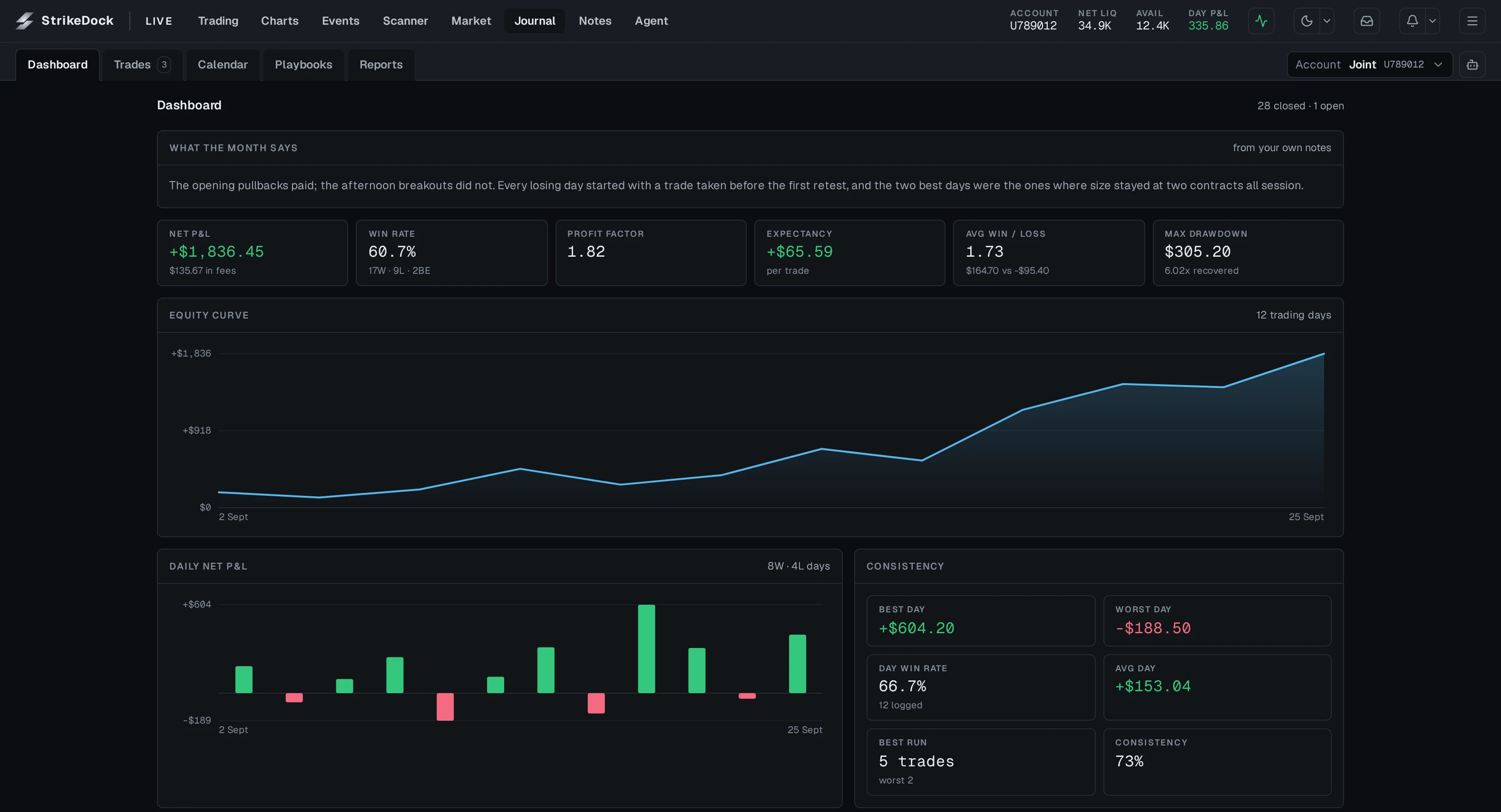
Your month at a glance: the equity curve, each day’s result, how consistent the days were, and how the trades were run. Point at a part to see what it is.
Fills become trades
A trade opens when your position in a contract leaves zero and closes when it returns to zero, so an entry and several partial exits read as one trade.
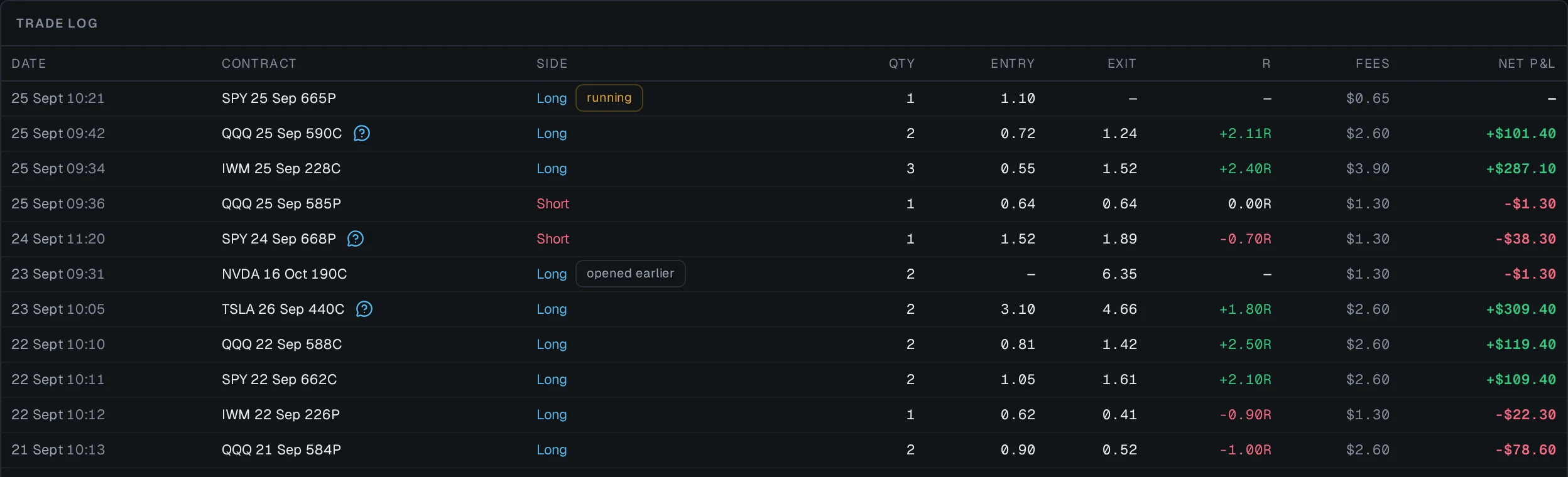
- Buy 4Position 4
- Sell 2Position 2
- Sell 1Position 1
- Sell 1Position 0 · one trade, dated to this exit
A trade, in full
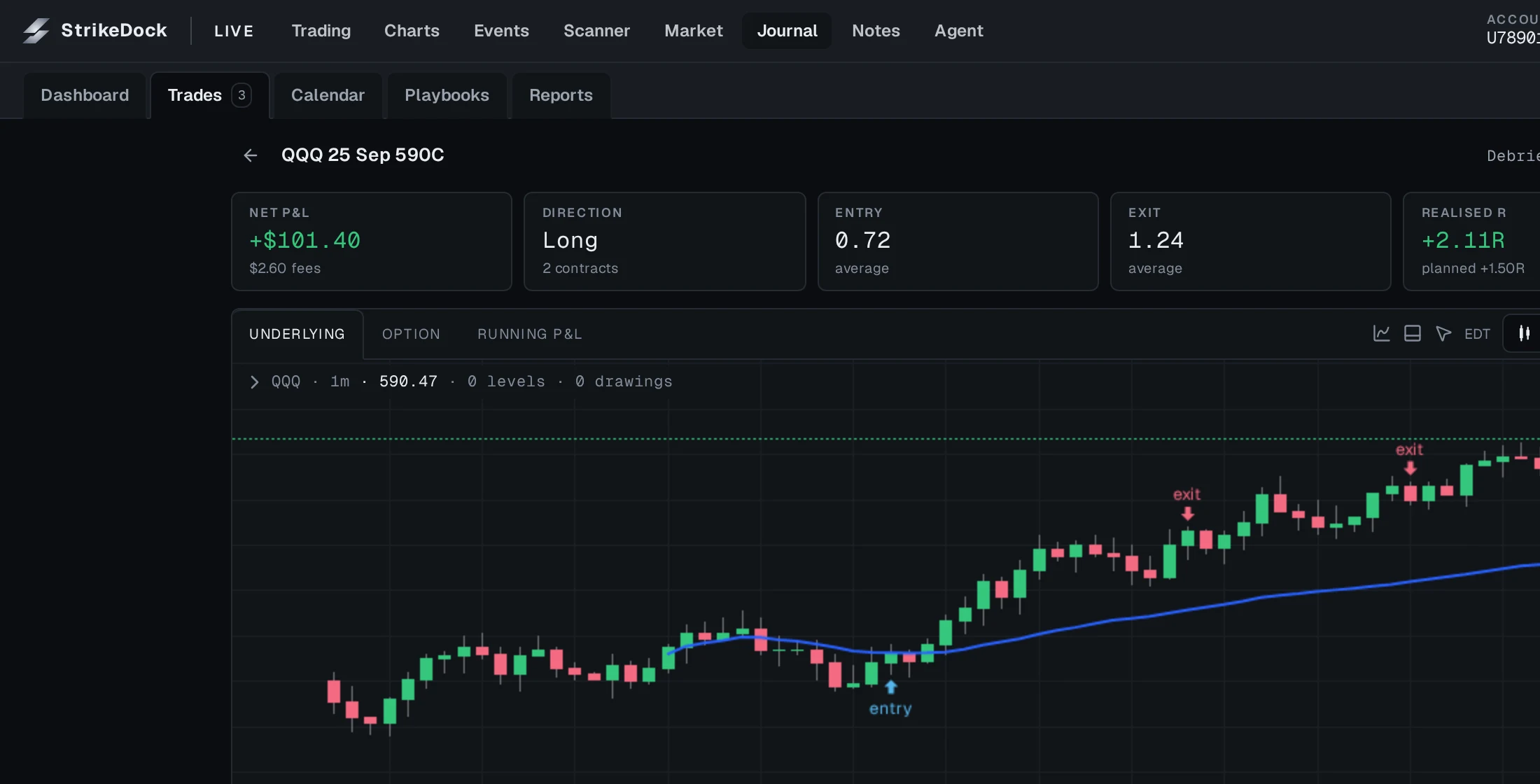
Each execution stays in the trade’s Executions tab, with its price and fees, beside its stats and your debrief.
A dash, not a made-up number: a figure that can’t be computed yet, such as a profit factor with no losing trades, shows as a dash.
Results belong to
the closing day
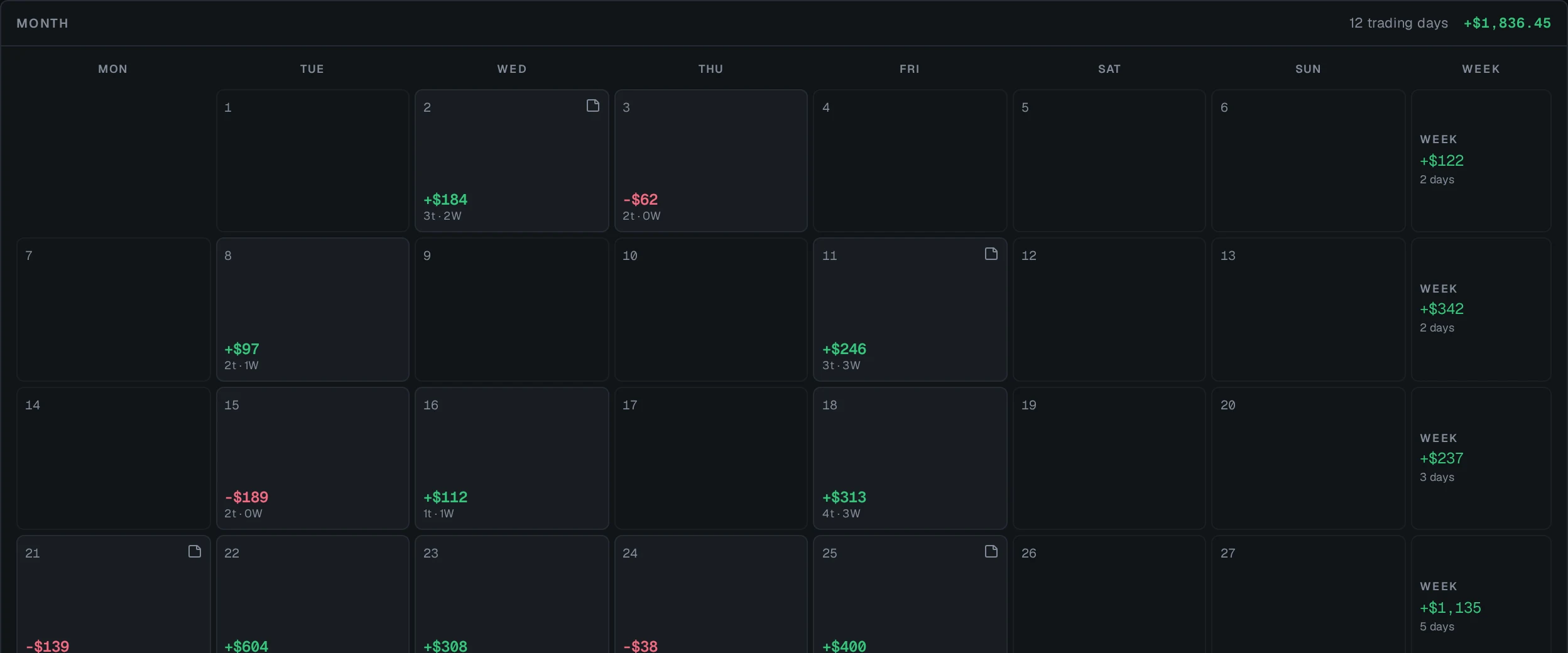
Results are realised and dated to the exit: a trade counts toward the day it closes, not spread across the days you held it.
The exchange clock: trading days use New York time, whatever your computer’s date says.
Bring the rest of your record
In development: these sources, and what each allows, may change before launch.
Direct capture
Trades through your connected workspace arrive as you trade.
Broker statements
An optional import adds trades made outside StrikeDock from your broker’s statements.
Built in
No separate journal subscription.