Build
Build the part
you’re missing.
Panels for your Trading page, indicators for your charts, connectors for your own data. Write them in JavaScript or TypeScript with StrikeDock’s kits, or describe one to your agent. Each runs locked, with only what you allow.
Panels of
your own
A panel is a function. It gets the data you allowed and returns a tree of StrikeDock’s own parts, so it looks like the rest of the app and sits in your layout like any other panel: moved, stacked, given its own window.
import { ui, event, send } from "@strikedock/panel-sdk";

export function view(inputs, state) {
  const ticker = inputs.selection.ticker;
  if (ticker === null) return ui.Vacant(null, "Pick a ticker");
  return ui.Section({ title: ticker },
    ui.Button({ variant: "ghost", ...event("show-bars") },
      "Show closes"),
    ui.Button({ variant: "ghost",
      ...send("lead.openInCharts", { code: ticker }) },
      "Open in Charts"));
}- 01
Plain JSON in, a tree out
view()draws it andupdate()answers a press. StrikeDock keeps the state. - 02
StrikeDock’s own parts
Sections, tables, buttons and plots, drawn as the app draws them. No colour, class or HTML to keep up to date.
- 03
It never sends an order
A panel reads the streams you allow, and can open a ticker in Charts. Trading stays with the ticket.
Indicators
you write
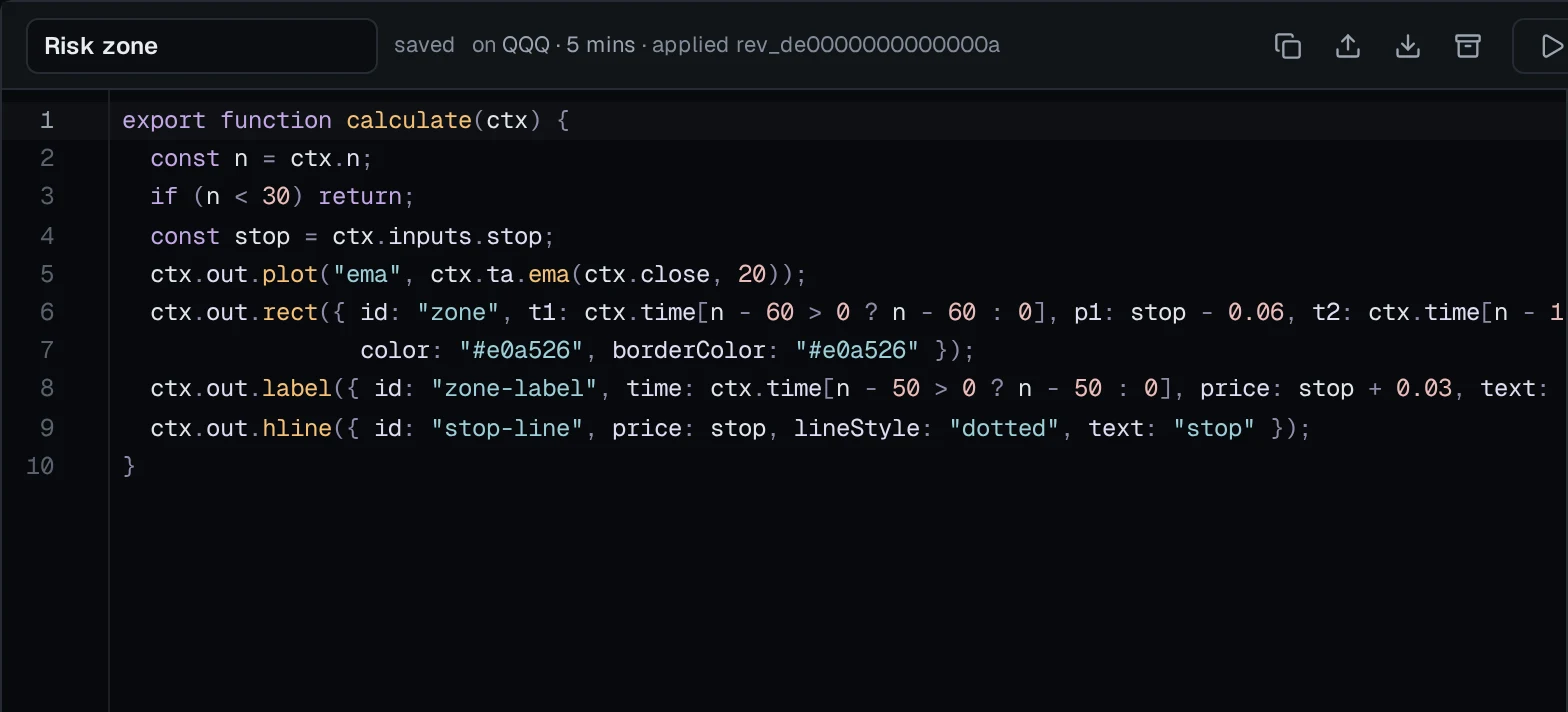
Write a script in JavaScript on the Charts page, check it, and put it on any chart. It runs over the chart’s bars in a locked engine, and travels as a file you can keep, move or share.
- 01
Write
A study, a band, a marker or a zone, from the bars the chart already has.
- 02
Check
StrikeDock runs it before it’s saved and says where it fails.
- 03
Apply
Put it on any chart, keep it in a chart setup, and alert on what it draws.
Your data,
your connector
One connector.js answers StrikeDock’s questions, such as a calendar of earnings or the day’s headlines, from a source you choose. You enter its key and allow each site it reaches.
import type { Connector } from "@strikedock/plugin-kit";

export default {
  async health() {
    return sd.keys.has("api")
      ? { state: "ok" }
      : { state: "blocked", reason: "key_refused" };
  },
  earnings: {
    async calendar({ start, end, symbols }) {
      const r = await sd.fetch(
        "https://data.example.com/earnings.csv",
        { headers: { Authorization: `Bearer ${sd.key("api")}` } });
      return { events: parse(await r.text(), start, end, symbols) };
    },
  },
} satisfies Connector;
A key it never holds
The connector writes a placeholder. StrikeDock puts the key in only on a request to the sites it’s for.
A switch for every site
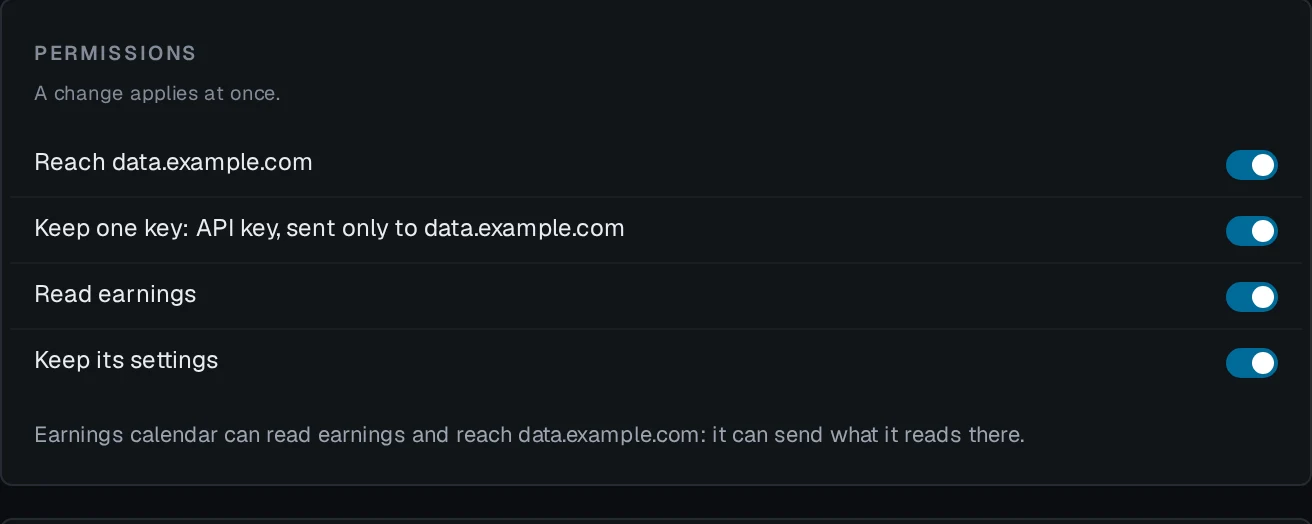
Each site, key and stream it asks for is a line in Settings you allow, or take back.
Your own broker
In developmentWrite a connector for the broker you use, with the same kit.
Or describe it
to your agent
StrikeDock’s skills teach your agent each kind. It writes the files, runs the check until it says ok, and hands you the folder. Adding it, and entering any key, stays with you.
- You ask
“A panel that lists what I hold by days to expiry.”
- Your agent writes
plugin.jsonmain.js - It checks, with the CLI
$ strikedock plugin check
ok - You add it
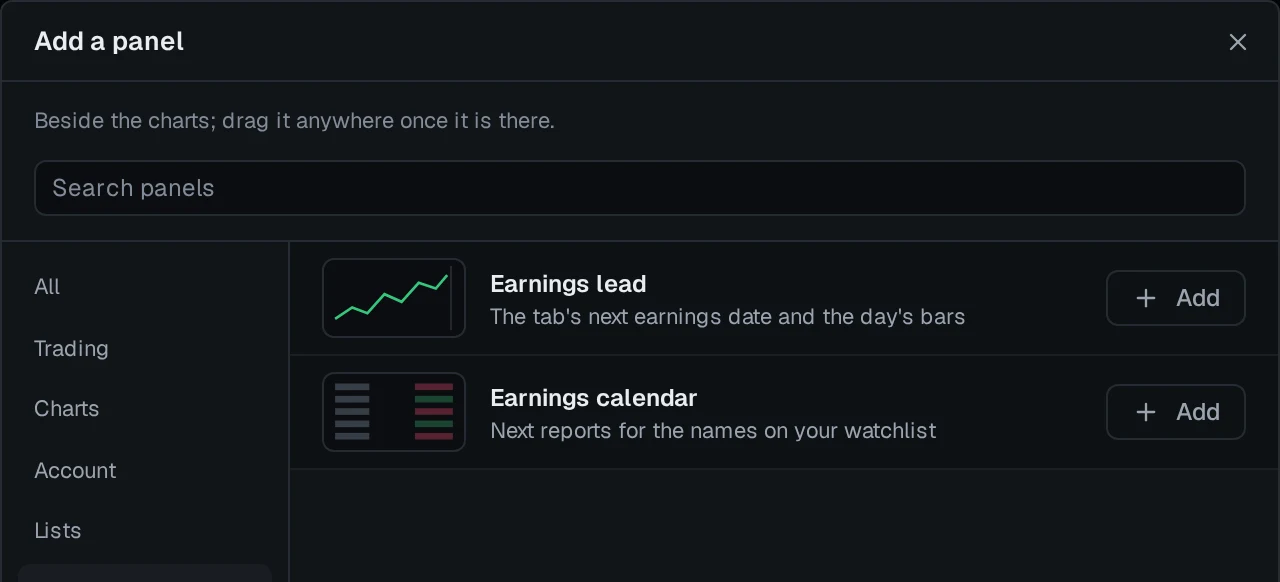
In Settings, where you allow what it reads. Then it’s in Add a panel.
Nothing is allowed
by default
What you build, or what someone shares with you, gets only the rights you give it. StrikeDock enforces each one.
A locked engine
Every plugin runs in StrikeDock’s own engine, with no network, files or programs of its own.
Rights you grant
A site, a key, a stream: each a line you allow, and take back with a switch.
Checked before it shows
A plugin that doesn’t keep its contract doesn’t load.
Panels never trade
No panel can send an order, whoever wrote it.
Start building
Two kits, the documentation and worked examples. The kits need Node.js 22 or later.
@strikedock/plugin-kit
Types for sd and every handler, and the verbs that build, check, rehearse and pack a connector.
npm i -D @strikedock/plugin-kit
@strikedock/panel-sdk
A constructor for each of StrikeDock’s parts, and event() and send() for a press.
npm i -D @strikedock/panel-sdk
Documentation
Each kind’s contract, the permissions, and how to check a plugin before you add it.
Examples
A connector for a CSV source, and an earnings panel with a connector of its own.